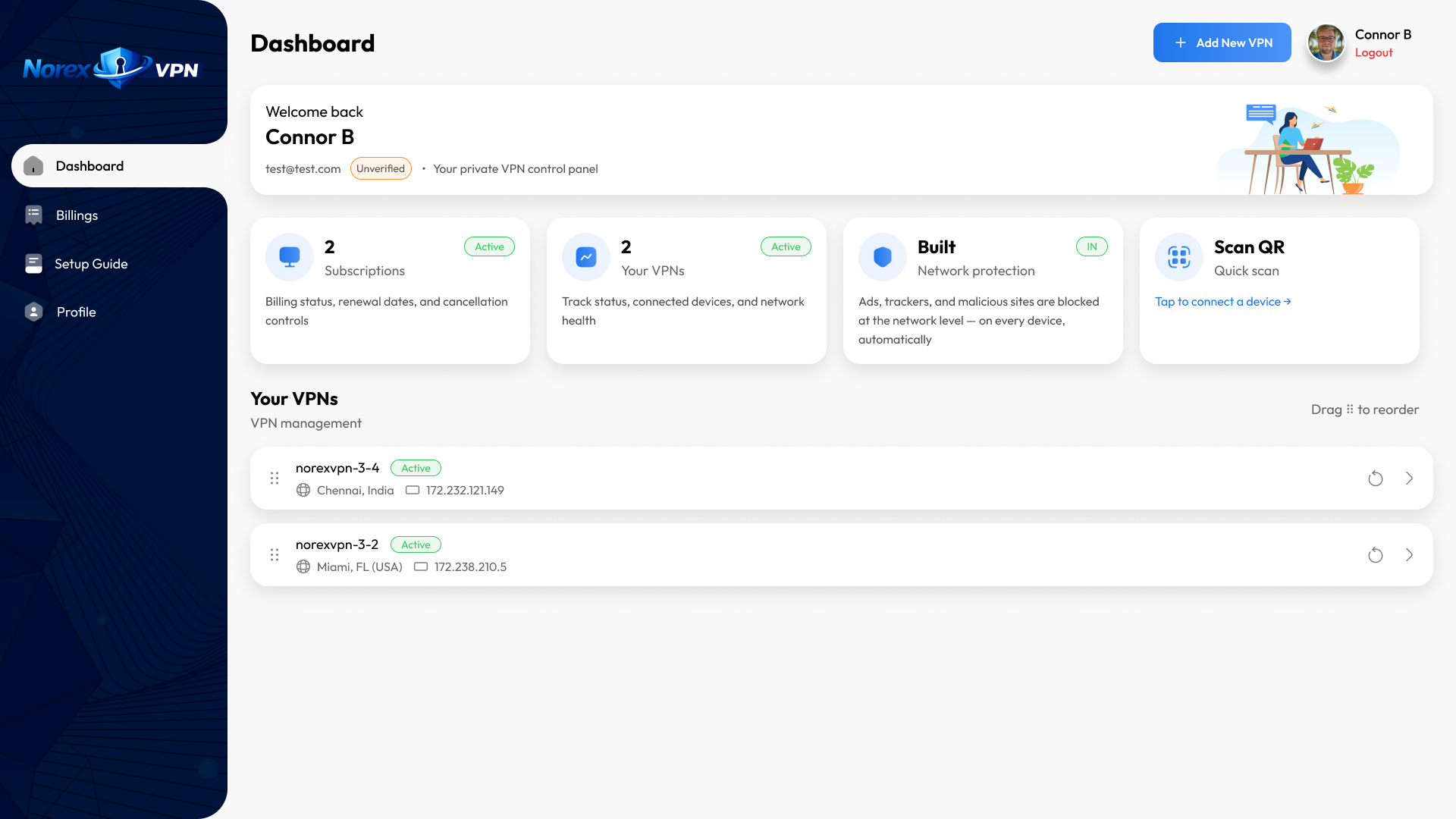






One dashboard. Total control.
Your own private VPN
Clean IP address
No activity logs
WireGuard encrypted
sudo apt install wireguard or the equivalent for your distro..conf file from the dashboard and place it in /etc/wireguard/.sudo wg-quick up wg0 and you're connected. Add to systemd for auto-start."Easy to configure, helpful support Signing up was simple and easy, and their support staff helped me configure my own VPN and made the process simple and trouble free. very responsive to every question I had as well. nice pricing, easy to contact, and the service just works, so definitely give them a shot if looking for your own VPN"
"This was the best VPN I’ve used by far quick and easy no hassle highly recommend"
"Best VPN I’ve come across! Highly recommend! Thank you!🙏🏼"
Global locations
Those services put hundreds of users on the same shared connection. With Norex, you get your own private VPN — your IP is clean, never shared, and belongs exclusively to you.
No. We don't log connections, browsing activity, or usage data. There is nothing to hand over and nothing to sell. Your activity is completely private.
On a shared VPN, your IP is used by hundreds of people — it gets flagged, blocked by streaming services, and slowed down. Your own private VPN means none of that ever affects you.
It takes under two minutes. On mobile, scan a QR code in WireGuard and you're connected. On desktop, import a config file with one click. No technical knowledge required.
Yes. Add as many devices as your plan allows from your dashboard. Each one gets its own private connection through your VPN.
Yes — it's designed for it. Airports, hotels, cafés, foreign networks. Your private VPN protects you wherever you connect.